◆ Platform · iNOVAA Portal Dashboard
Field ops dashboard: every job and crew, one live view
The iNOVAA Portal turns Tracker data into live job status, team schedules, and completion rates — in one view.
7
Portal Modules
Live
Tracker Sync
Browser
Runs In
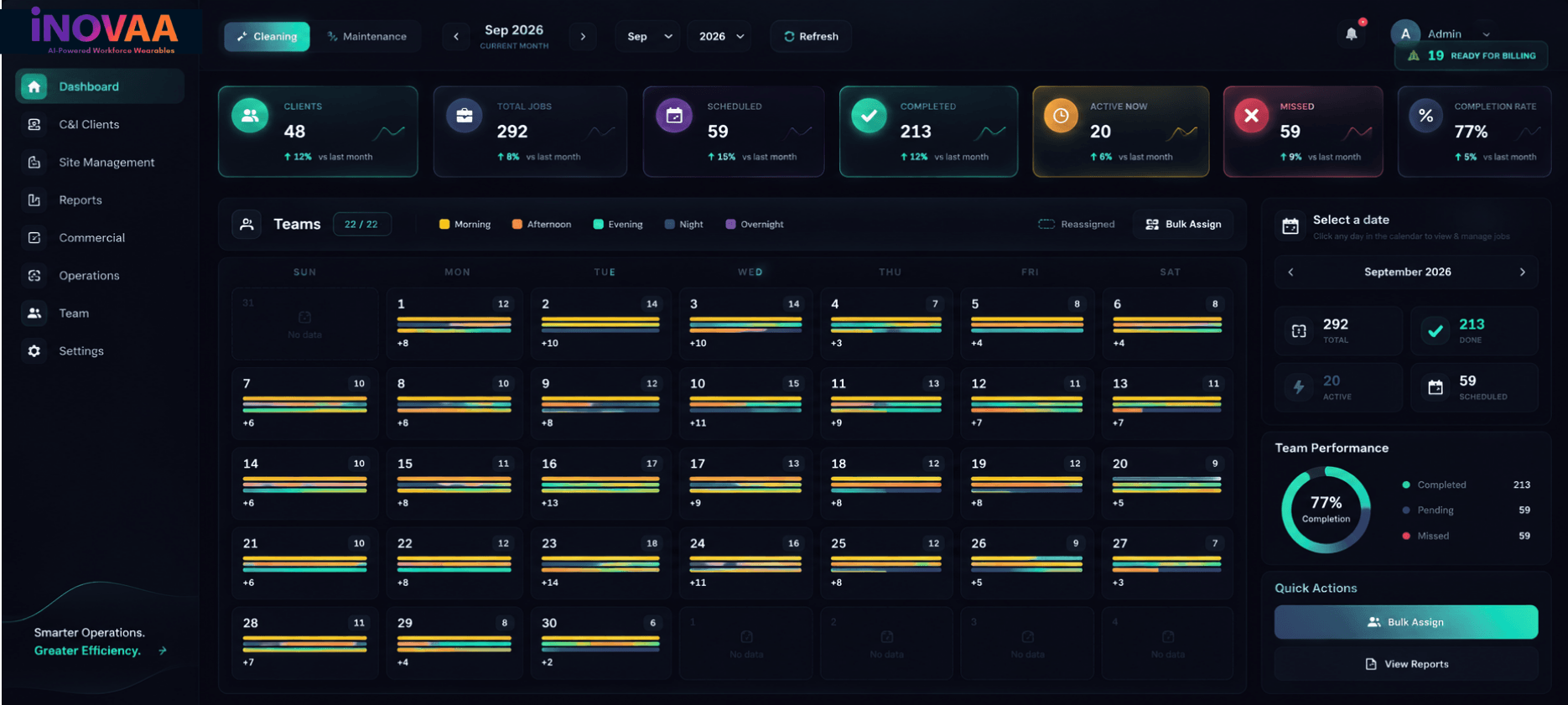
 Fed by the iNOVAA TrackerWrist activity → live job data
Live job stages
Scheduled → Reached Site → Work Started → Work Finished → Completed, updating automatically.
GPS-tagged events
Every stage change carries a location, a timestamp, and the technician who triggered it.
Per-site diagrams
Pin-drop annotations mark exactly which panel, unit, or zone needs attention.
Real-time alerts
Dispatch is notified the moment a job goes at-risk or blocked — not at end of day.
The Software
Real screens from the iNOVAA Portal
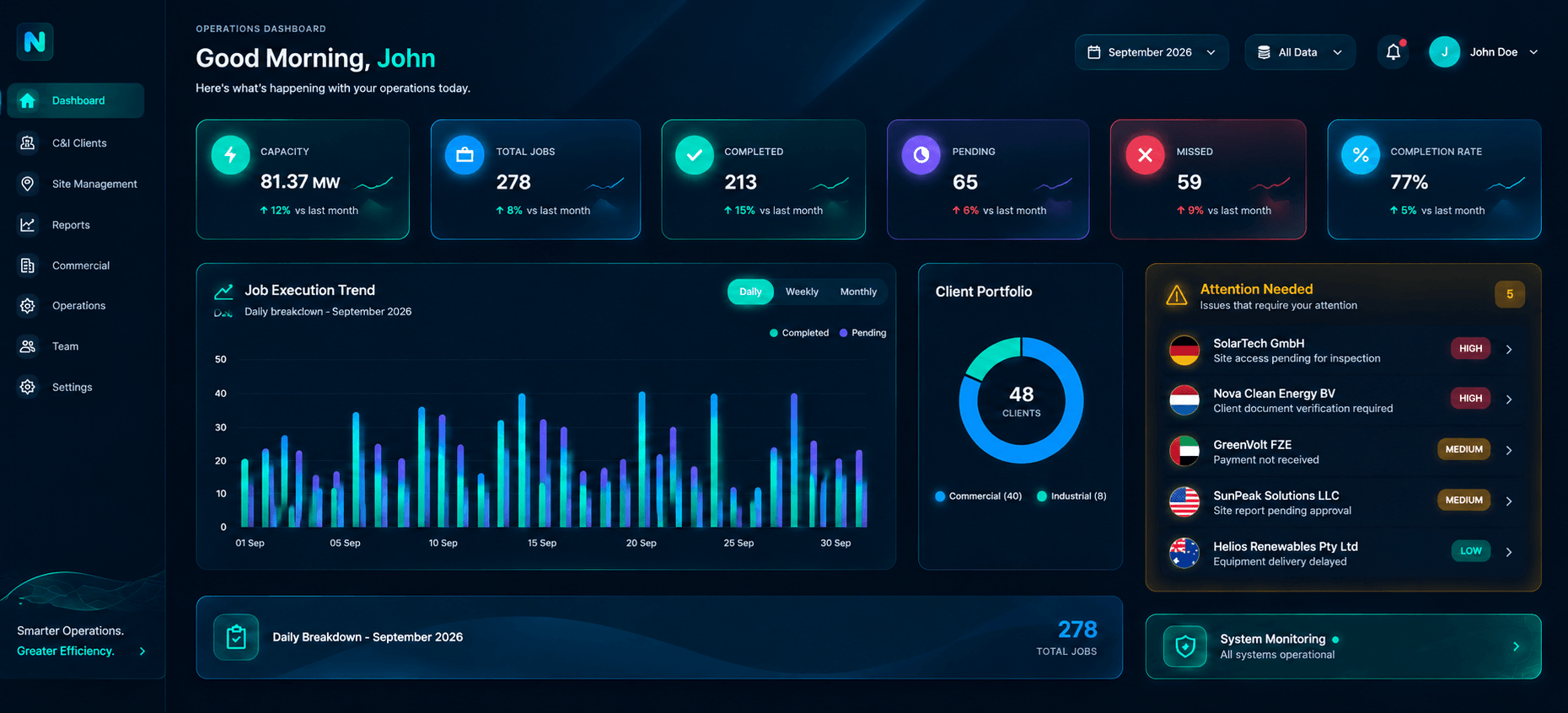
Operations Dashboard
Every job, every status, one screen.
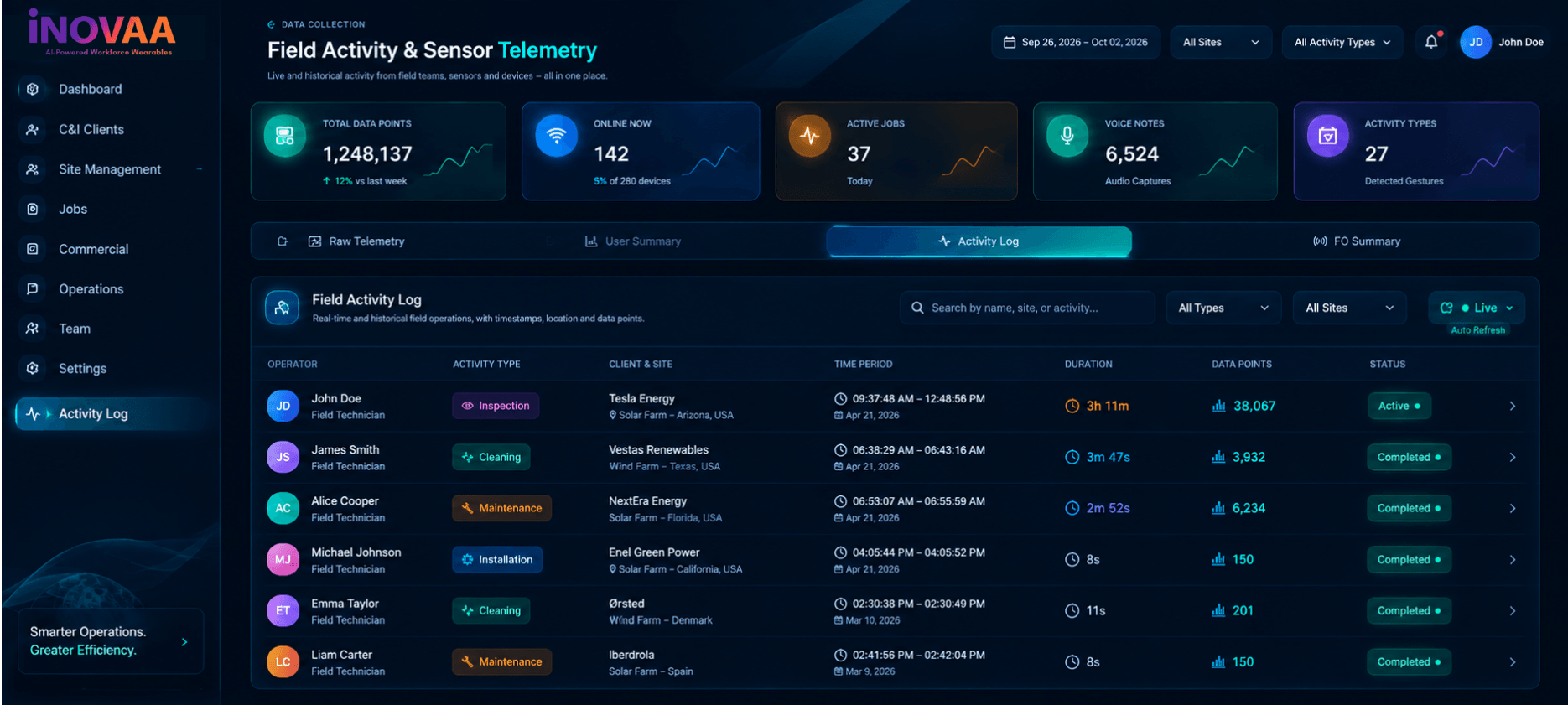
Field Activity Log
Every Tracker reading, live — who, where, and for how long.
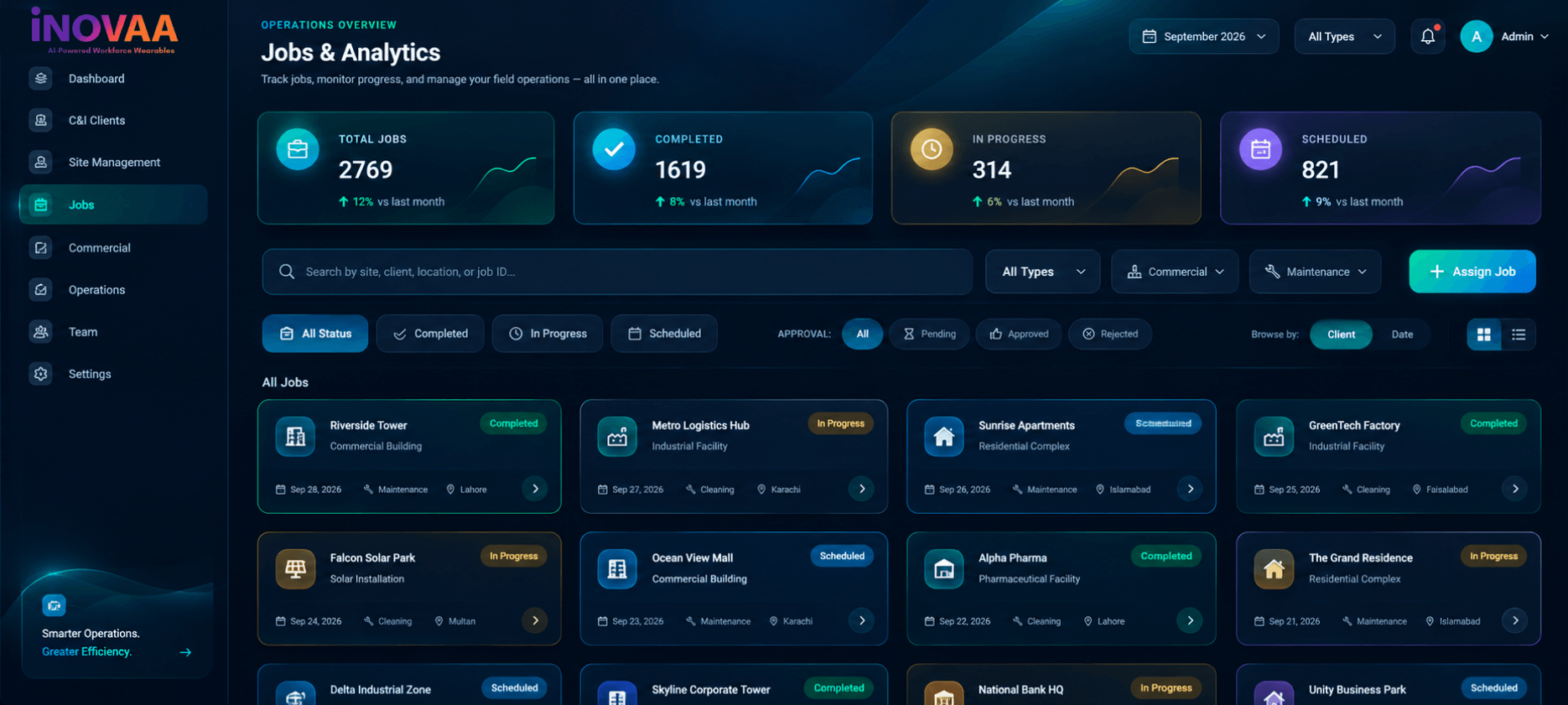
Jobs & Analytics
Teams & Performance
Live job status
Completed, pending, and missed — as Tracker data syncs.
Team efficiency
Completion rate per crew, day by day.
Attention needed
Issues ranked before they become missed jobs.
See it in action for your industry
A working Portal, loaded with a real crew's day.
Product in action
One record, read by every dispatcher and every customer
A live look at a real dispatch decision — what iNOVAA read, what it recommended, and where a human still signs off. Same record, every industry.
Active jobs
Meridian Office Tower — Rooftop Unit 3
At riskCommercial HVAC · Downtown Phoenix, AZ
Filter + coil service
9:14 AM · D. Whitfield
Reviewing dispatch recommendation
Dispatcher · Now
Annotation
“Compressor pressure reading below spec on Unit 3 — recommend part replacement.”
Sources cited
Book a call
Ready to see your crews on one live record?
20 minutes, on a job that looks like yours.
Book a call